redact.photos

Redact anything
Keep the rest.

Drop a photo or clip. Faces are found on your device; draw a box over plates, names or anything else. Choose a style, adjust it live, and save for free.

Drop a photo or video
or paste one

Nothing is uploaded. No sign-up.

Try the demo
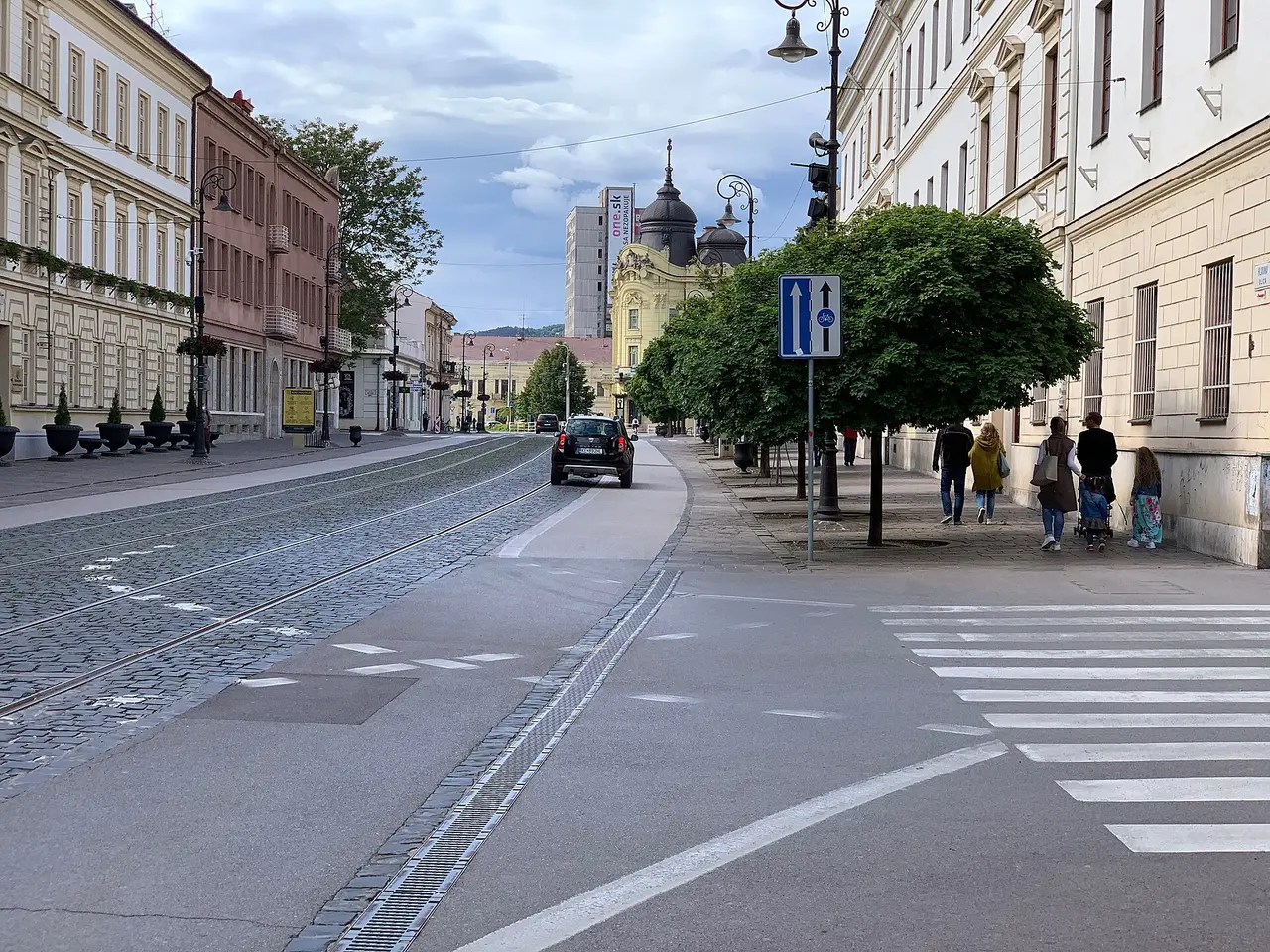
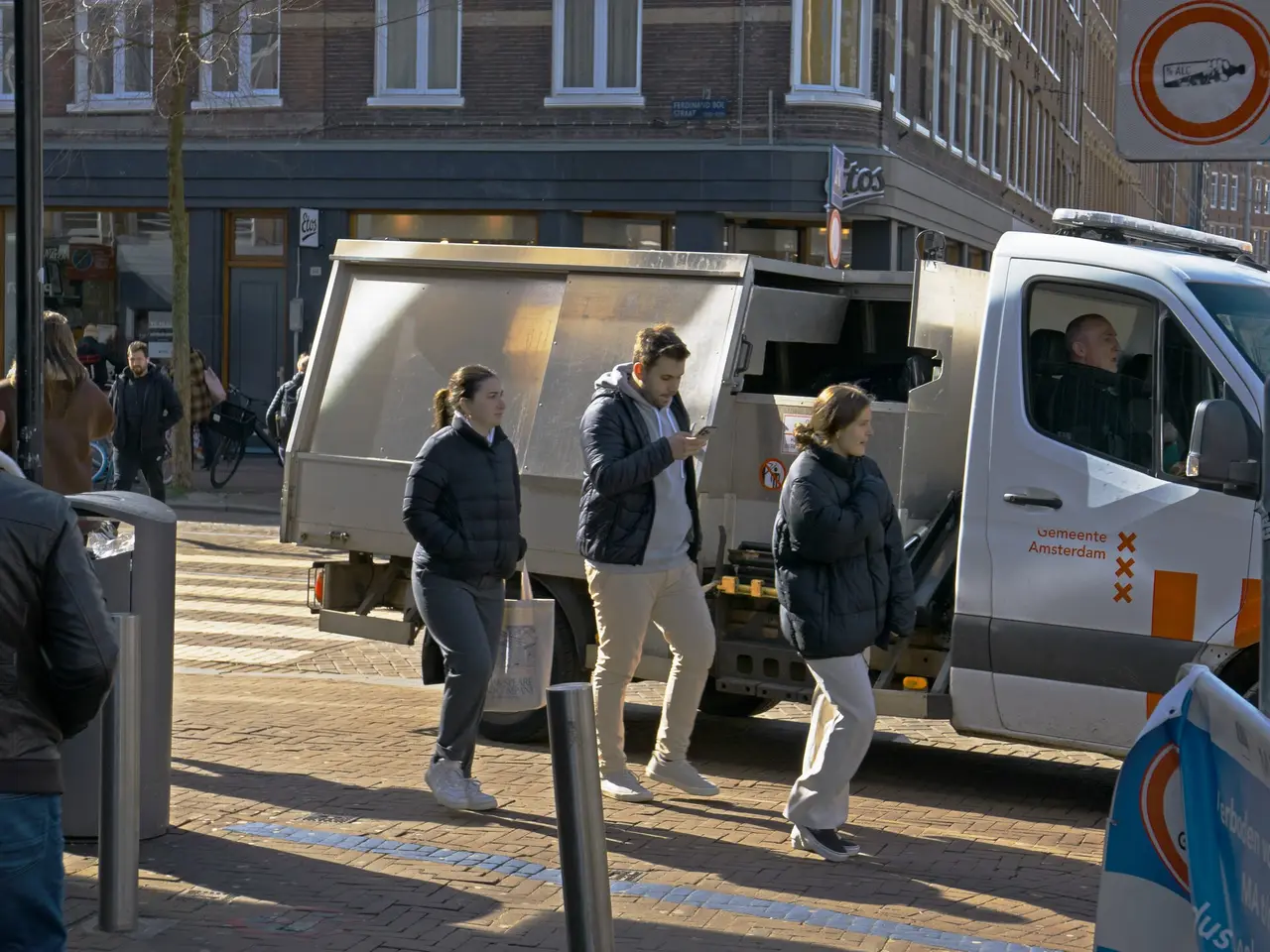
Every face and licence plate
    Redaction style
    85%

    Low strength can leave details recognizable. Use a solid cover for sensitive details.

    Faces
    Licence plates
    Lettering and signs
    Anyone in the background

    How it works

    Three steps, all on your device

    1. 1

      Drop your file

      A photo (JPG, PNG, WebP) or a clip (MP4, MOV, WebM) up to 1080p and about 5 minutes. It opens in this tab and stays there.

    2. 2

      Check every box

      Faces are found and blurred for you. Look through the preview, untick anything that should stay, and drag a box over anything that was missed.

    3. 3

      Save the result

      Photos save in the same format. Clips save as a video with the sound kept. Watch it once more before you post it.

    Questions

    Is it really free?
    Yes. There is no sign-up, no watermark and no limit on how many files you redact. If it helps you, there is a tip jar.
    Is my video uploaded?
    No. Your photo or video is opened and processed in this browser tab. It is never sent to a server.
    Will it catch every face?
    Not always. Tiny, turned away or covered faces can be missed. Always watch the preview and add boxes by hand where needed.
    Can I blur licence plates?
    Yes. Drag a box over a plate and it is blurred in the saved file. In a clip, a box you draw stays for the whole clip.
    Does it work on a phone?
    Yes, in a recent browser on iPhone or Android. Long clips are faster on a computer.
    Can the blur be undone?
    Low strength can leave details recognizable. Use a solid cover for sensitive details.